


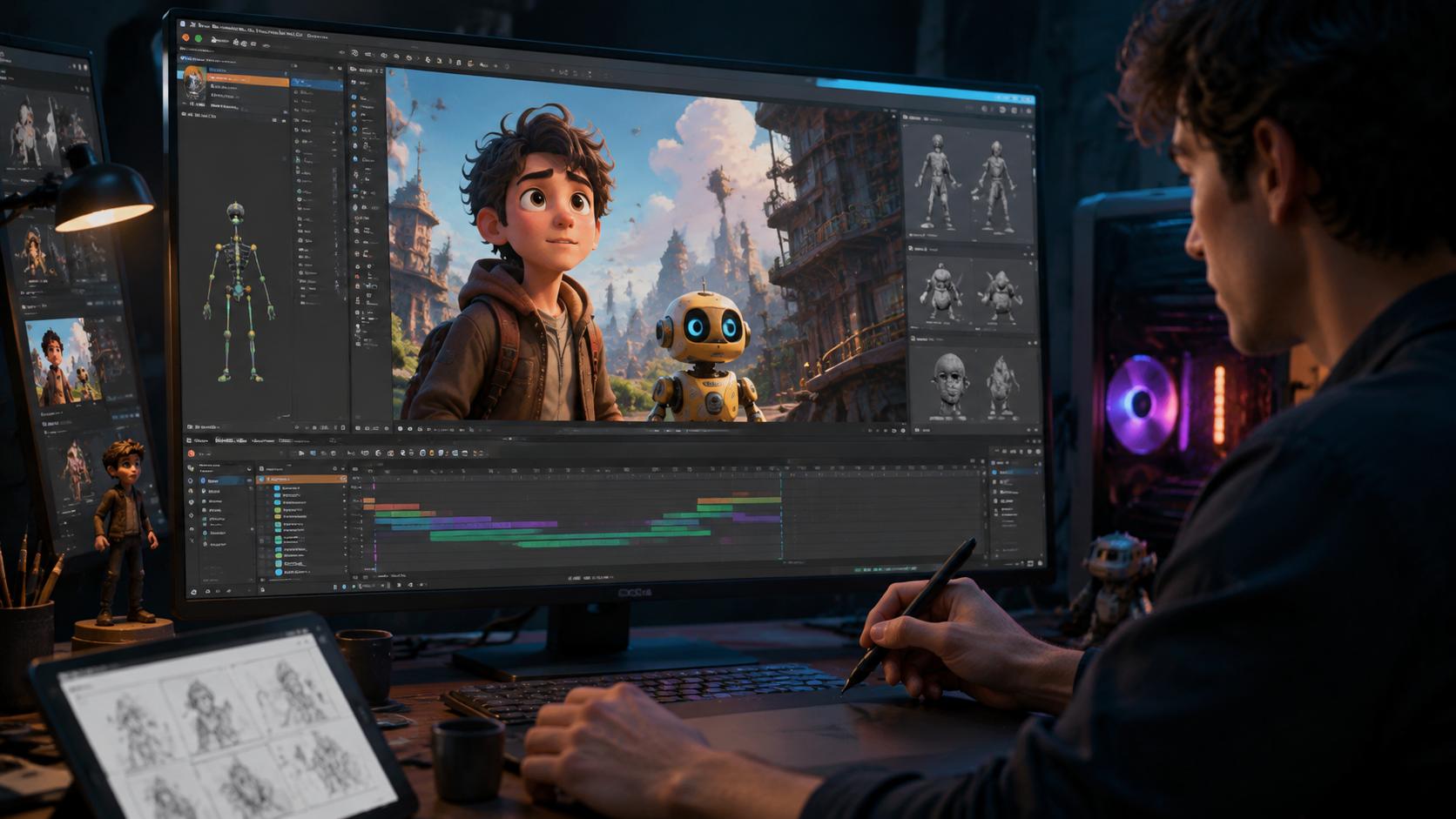
Starting out in animation can feel overwhelming. With dozens of tools available, choosing the best animation software for beginners depends on what you want to create, whether that means hand-drawn cartoons, 3D scenes, stop-motion films or animated explainer videos.
The good news is that you do not need an expensive computer or a costly subscription to get started. Several free animation programs offer useful features for beginners, while browser-based platforms make it possible to create videos without installing desktop software.
This guide explores beginner-friendly animation tools, explains what each one does best and helps you choose a program that suits your creative goals and budget.
What Animation Software Should Beginners Use?
Before downloading animation software, consider three important questions.
- What do you want to create? Traditional 2D animation, 3D scenes, stop-motion films, whiteboard videos and motion graphics require different tools.
- How much do you want to spend? Free and open-source programs can be excellent starting points. Paid platforms may offer additional templates, assets or convenient workflows.
- What computer or device do you have? Some 3D applications benefit from a capable graphics card, while browser-based tools can run on a wider range of devices.
Once you understand your needs, it becomes easier to choose software without paying for features you may never use.
Best Free Animation Programs for Beginners
Free animation software allows you to learn essential skills, experiment with different styles and complete small projects before investing in premium tools.
1. Pencil2D: Best for Simple 2D Animation
Pencil2D is a lightweight, open-source application designed for traditional hand-drawn animation. Its straightforward interface helps beginners concentrate on drawing individual frames and bringing characters to life.
The software is particularly useful for learning frame-by-frame animation, in which small changes between drawings create the illusion of movement.
Best for: Beginners who want to draw cartoons, simple characters and short 2D sequences.
2. Krita: Best for Artists Who Already Draw
Krita is a free digital painting application that also includes animation features. It is a practical option for people who already enjoy digital illustration and want to experiment with animated artwork.
Its painting tools and drawing-tablet support make it useful for artists who want to combine illustration with animation. However, users who only need a minimal animation interface may prefer a more specialised application.
Best for: Digital artists who want to animate their illustrations.
3. Synfig Studio: Best for Rigged 2D Animation
Synfig Studio is an open-source application that uses vector graphics and animation controls to reduce the need to redraw every frame manually.
Its rigging and interpolation features can help users create smoother character movements. Although the interface may take longer to learn than simpler drawing applications, it can be useful for projects involving repeated movements or reusable character designs.
Best for: Beginners interested in vector animation and rigged 2D characters.
4. OpenToonz: Best for More Advanced Cartoon Projects
OpenToonz is a powerful open-source animation application associated with professional 2D animation workflows. It provides a wider range of production features than many entry-level tools.
However, its extensive interface can be challenging for someone who has never animated before. New users may find it easier to learn basic drawing and frame-by-frame techniques before moving to a more complex program.
Best for: Aspiring cartoon creators who are ready to explore a more advanced workflow.
Best 3D Animation Software for Beginners
Three-dimensional animation allows users to create digital characters, objects, environments and camera movements. Although 3D software can initially seem complicated, learning the fundamentals gradually makes the process more manageable.
Blender: Best Free 3D Animation Software
Blender is a free, open-source 3D creation application with tools for modelling, rigging, animation, rendering and visual effects.
Its versatility makes it an attractive choice for learners who want to explore several aspects of 3D production without purchasing separate applications. A large learning community also provides tutorials and educational resources for different experience levels.
However, Blender has a substantial learning curve. Beginners should start with simple projects, such as moving an object across a scene, before attempting complex character animation.
If you want to explore more options, this guide to 3D animation software provides a relevant next step for comparing available tools.
Best for: Learners who want a capable, free application for 3D modelling and animation.
Best Animation Software for Stop Motion
Stop-motion animation creates movement by photographing a physical subject, making a small adjustment and capturing another frame. Repeating the process produces a sequence that appears to move when played back.
It is an approachable way to learn animation because you can begin with everyday objects, toys, paper figures or modelling materials.
Stop Motion Studio: Best for Beginners
Stop Motion Studio offers a relatively accessible way to capture frames, organise a sequence, add audio and export an animation. Its availability across supported devices makes it convenient for small creative projects.
It is a useful starting point for experimenting with frame timing, lighting and camera positioning.
Dragonframe: Best for Advanced Stop Motion Production
Dragonframe is a specialised stop-motion production application with advanced camera and capture controls. Its feature set makes it more suitable for serious projects than for someone simply experimenting for the first time.
Before choosing a stop-motion tool, check device compatibility, supported cameras, onion-skinning features and audio capabilities.
Best for: Stop Motion Studio suits beginners, while Dragonframe is worth considering for more demanding productions.
Browser-Based Animation Software
Browser-based animation software is useful when you want to create videos without installing a large desktop application. These tools often provide templates, ready-made characters, timelines and drag-and-drop editing.
Animaker
Animaker offers a template-driven approach to animated videos, with character-based scenes and visual assets that can help beginners produce content more quickly.
It can be useful for social media videos, marketing materials and short explainers. The features available may depend on the chosen plan.
Powtoon
Powtoon focuses on animated presentations and explainer-style videos. Its presentation-oriented workflow can be helpful for educational content, workplace communication and business storytelling.
Both platforms prioritise convenience, although they may provide less control over certain animation techniques than specialised desktop software.
Best for: Beginners who want to create presentations, promotional videos or explainers with minimal technical setup.
Doodle and Whiteboard Animation: Alternatives to Doodly
Whiteboard and doodle animation use illustrated elements to explain ideas through a visual storytelling format. They can be useful for educational videos, tutorials, presentations and marketing campaigns.
If you are exploring alternatives to Doodly and Toonly, consider the following options.
- Toonly: Worth considering for cartoon-style explainer videos rather than a traditional whiteboard drawing effect.
- Powtoon: A practical choice for animated presentations and business explainers.
- Animaker: Offers a broader collection of character-based scenes, templates and visual elements.
Before choosing a platform, compare subscription costs, available assets, export options and the degree of customisation you need. A tool that looks convenient initially may not offer the flexibility required for a more ambitious project.
You can also explore additional reviews and comparisons on Creative Software Guide.
Quick Comparison of Beginner Animation Software
| Creative goal | Suggested software |
|---|---|
| Simple hand-drawn 2D animation | Pencil2D |
| Digital painting and animation | Krita |
| Rigged 2D character animation | Synfig Studio |
| Advanced 2D cartoon production | OpenToonz |
| 3D modelling and animation | Blender |
| Stop-motion projects | Stop Motion Studio |
| Advanced stop-motion production | Dragonframe |
| Animated explainers | Powtoon or Animaker |
| Cartoon and doodle videos | Toonly, Powtoon or Animaker |
The best choice depends on your preferred style, learning goals, hardware and budget. Check current system requirements and pricing before committing to any software.
Tips for Choosing Your First Animation Tool
Start with a simple project
Choose a small task, such as animating a bouncing ball or making a character wave. A manageable project helps you understand the software without becoming overwhelmed by advanced features.
Try free options first
Free and open-source applications allow you to explore animation before spending money. If you later need premium features, test a trial where available.
Look for good learning resources
Tutorials, documentation and community support can make a significant difference when learning unfamiliar software. Choose an application with resources suited to your experience level.
Learn animation principles
Timing, spacing, anticipation and squash-and-stretch help make movement look convincing. Understanding these principles is more valuable in the long term than memorising individual software controls.
Check hardware and export requirements
Review operating-system compatibility, memory requirements, graphics capabilities and supported export formats. More demanding 3D projects may require stronger hardware than basic 2D drawings or browser-based videos.
Finish small projects before upgrading
Completing a short animation helps you identify what your current software can and cannot do. You can then upgrade or switch tools based on actual needs rather than an unnecessarily long feature list.
Final Thoughts
There is no single best animation software for every beginner. Pencil2D is a sensible starting point for hand-drawn 2D animation, Krita suits digital artists, Blender offers extensive free 3D capabilities, and Stop Motion Studio makes physical animation accessible.
For animated presentations and explainer videos, browser-based platforms such as Powtoon and Animaker can simplify the process.
Start with the style you want to learn, choose a tool that fits your budget and create a small project. As your skills develop, you can explore more advanced features and decide whether a different application would better support your goals.
For more detailed software reviews and comparisons, visit Creative Software Guide.
Frequently Asked Questions
1. What is the best animation software for beginners?
The best option depends on the type of animation you want to create. Pencil2D is suitable for simple hand-drawn 2D animation, Blender is a versatile choice for 3D projects, and Stop Motion Studio is useful for stop-motion films.
2. What is the best free animation software?
Pencil2D, Krita, Synfig Studio, OpenToonz and Blender are free options described in this guide. Each serves a different purpose, so choose according to your preferred animation style and experience level.
3. Is Blender good for beginners?
Yes. Blender provides extensive 3D modelling and animation features without a software purchase cost. Its interface can take time to learn, so beginners should start with simple projects and gradually explore more advanced tools.
4. Which animation software is best for 2D cartoons?
Pencil2D is a useful starting point for traditional frame-by-frame drawing. Krita is worth considering if you already create digital illustrations, while Synfig Studio is useful for vector-based and rigged character animation.
5. What is the easiest software for stop-motion animation?
Stop Motion Studio is a beginner-friendly option for capturing frames, arranging sequences and adding audio. Dragonframe is a more advanced alternative for projects that require specialised production controls.
6. Can I create animations without installing software?
Yes. Browser-based platforms such as Animaker and Powtoon allow users to create animated videos using templates, characters and editing timelines. Available features depend on the platform and subscription plan.
7. What are the best alternatives to Doodly?
Toonly, Powtoon and Animaker are alternatives worth exploring. Toonly focuses on cartoon-style explainers, while Powtoon is suited to animated presentations and Animaker offers a broader selection of templates and character-based scenes.
8. Do I need a powerful computer for animation?
Not always. Basic 2D animation and browser-based tools can run on many everyday devices. More demanding 3D applications and complex projects may benefit from additional memory and a capable graphics card. Check each application’s system requirements before installing it.
9. What should I learn before using animation software?
Start with the fundamentals of timing, spacing, keyframes and movement. Depending on your chosen style, you may also need to learn frame-by-frame drawing, rigging or camera positioning.
10. Should beginners choose free or paid animation software?
Free software is often the best starting point because it lets you learn the fundamentals without an upfront purchase. Consider paid software later if you need particular features, specialised assets or a more convenient production workflow.

